GGMA provides market news and information only. Nothing in the service is investment advice or a recommendation to buy or sell any financial instrument.
What is GGMA?
GGMA is a real-time audio news and chat service for financial professionals. It delivers market-moving headlines as they happen, combining live audio broadcasts with scrolling text headlines, customisable alerts, chat and market data.
GGMA at a Glance
- Coverage: live audio squawk 24/5, around the clock while global markets are open — news coverage continues over the weekend
- Markets: equities, foreign exchange, fixed income, commodities, cryptocurrencies and global macro
- Content: live audio squawk, scrolling headlines, data previews, daily round-ups, economic calendars and research
- Chat: a direct line to the GGMA desk, a members’ discussion forum and live voice and video sessions
- Experience: three decades of buy- and sell-side markets experience behind the desk
- Trial: two weeks with full access — no credit card required
How We Source News
GGMA and its partner LiveSquawk monitor mainstream news services alongside a curated set of social media channels, where market-moving developments often surface before they reach traditional newswires. The desk filters and curates every item, so the feed stays focused on what moves markets instead of adding to the noise. Alongside the live feed, members get previews of key economic data and events, morning, afternoon and evening round-ups, and daily and weekly economic calendars, produced by professional journalists and researchers.
Alerts and News Preferences
Every headline is tagged by category — from Equity, FX and Macro to Debt, Commodity, Crypto, Policymaker, World Events, Research and Technical. Choose the categories you follow under News preferences in your Profile, and your feed and alerts follow that selection.

Choosing Your Feed
The source toggle above the player switches between three audio channels:
- GGMA — GGMA’s own desk squawk; this is the channel included on the free plan
- Livesquawk — the full professional LiveSquawk feed, part of the paid subscription
- Mixed — both channels in one stream; when both squawk at the same time, LiveSquawk takes priority
Chat and Community
News is one half of GGMA; discussing it is the other. Members get:
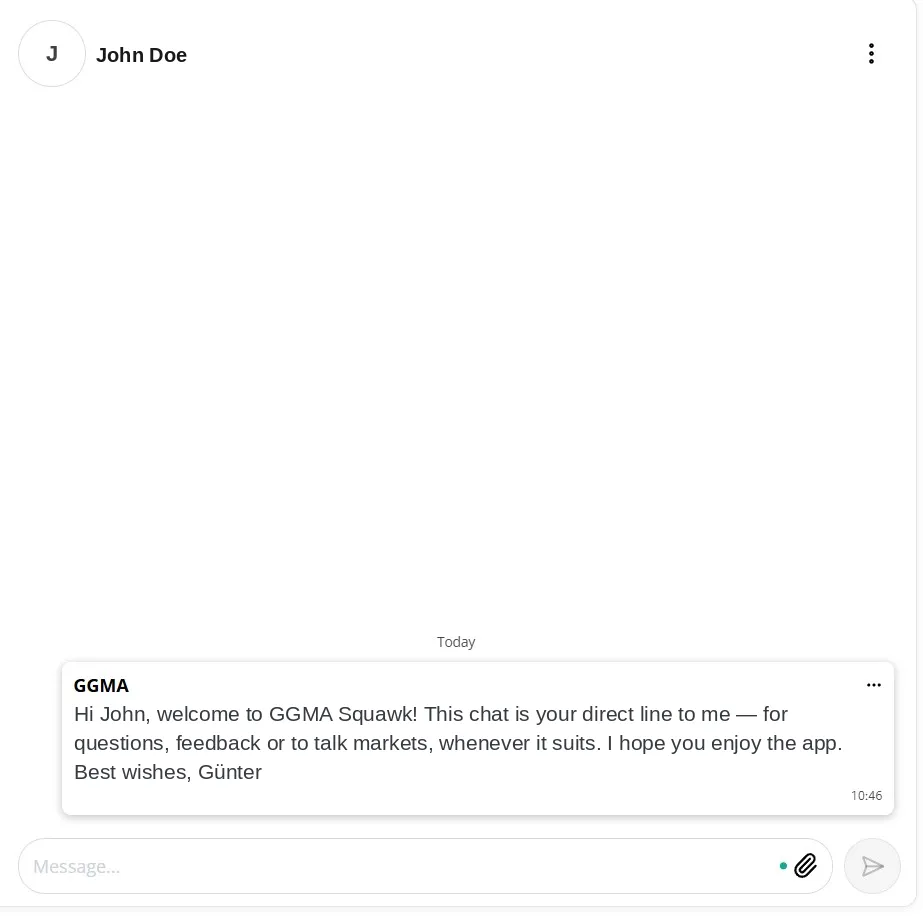
- Direct chat — a personal chat with the GGMA desk for questions, feedback and one-on-one market talk
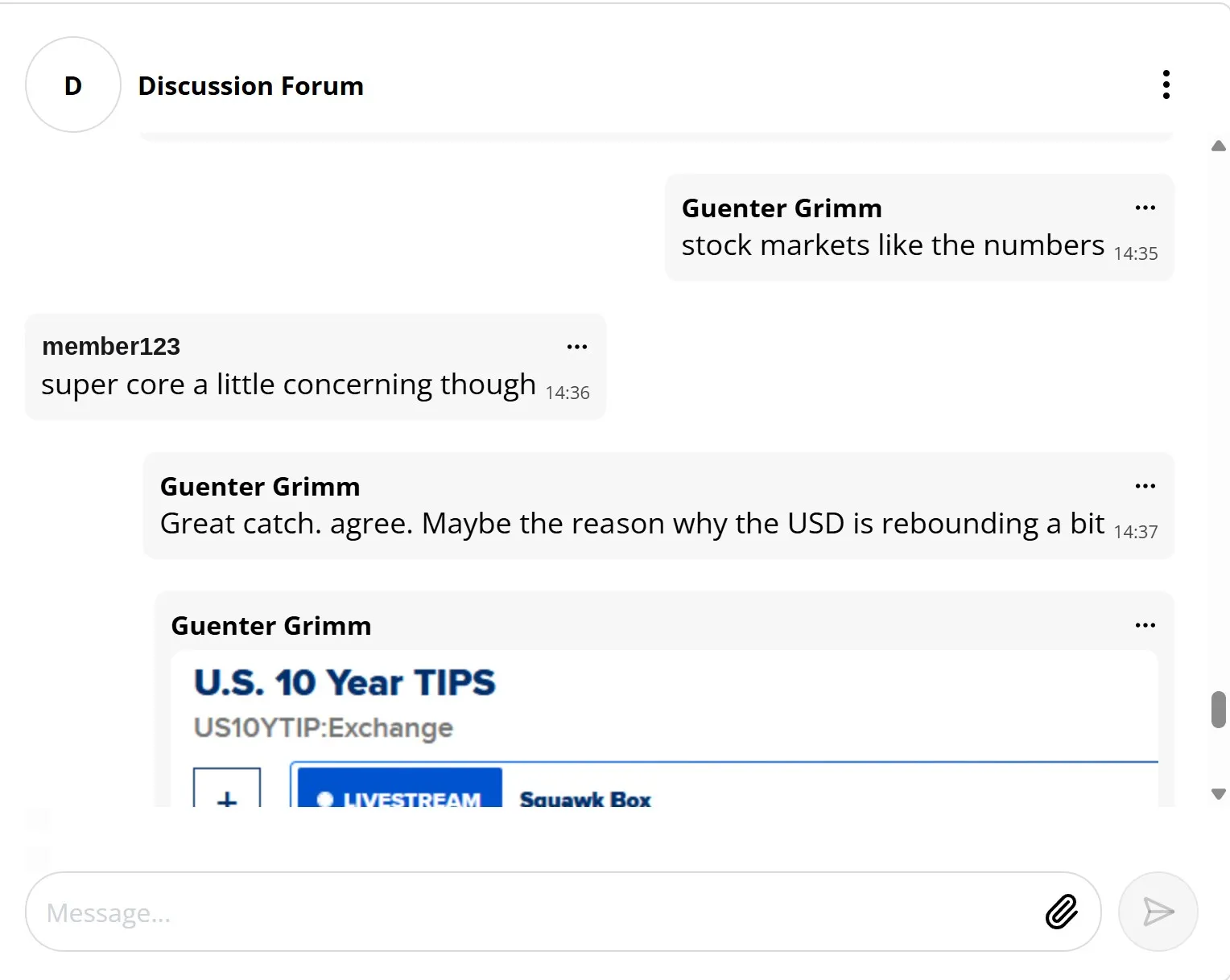
- Discussion Forum — a members’ chatroom where professionals discuss markets in real time
- Live sessions — Zoom-style voice and video calls, one-on-one or with a group, started straight from the chat with the Join Call button (currently browser only)
Who Is It For?
Roles
- Traders (equities, FX, fixed income, commodities, crypto)
- Brokers
- Portfolio managers and analysts
- Economists and strategists
- Wealth managers and financial advisors
- Risk managers
- Sales and sales-trading desks
- Financial journalists
- Independent financial professionals
- Private investors
Organisations
- Banks and broker-dealers
- Asset managers
- Hedge funds
- Proprietary trading firms
- Family offices
- Institutional investors
- Trading groups and communities
- Corporate treasuries
Supported Platforms
| Platform | Requirements |
|---|---|
| Web App | Any modern browser at ggma-app.com — also covers Android, Windows and Intel-based Macs |
| iPhone / iPad | iOS 16.0 / iPadOS 16.0 or later |
| Mac | macOS 12.0 or later on Apple silicon (M1 or newer) — runs the iPad app from the Mac App Store |
| Apple Vision Pro | visionOS 1.0 or later |
Getting Started
Sign up at ggma-app.com/sign-up, or create your account directly in the app after installing it. You can register with your email address or continue with your Apple ID or Google account. By creating an account, you agree to the Terms of Use and Privacy Policy. After signing up, you will receive a welcome email — if it does not arrive within a few minutes, check your spam folder.
Every new account starts with a two-week free trial with full access — no credit card required. After the trial, you can subscribe directly in the app, where current pricing is shown, and you can cancel at any time, on the web or in the App Store. Subscriptions are per person; corporate licences with volume discounts are available — contact [email protected].
Logging In (Web)
- Go to ggma-app.com.
- Enter your email address and password, or continue with Apple ID or Google if you signed up that way.
- You will be taken to the main news feed.

Installing the iPhone and iPad App
- Open the App Store and search for GGMA Squawk, or go straight to the App Store listing.
- Tap Get to download and install the app.
- Open the app and log in with your email address and password, and you will see this:
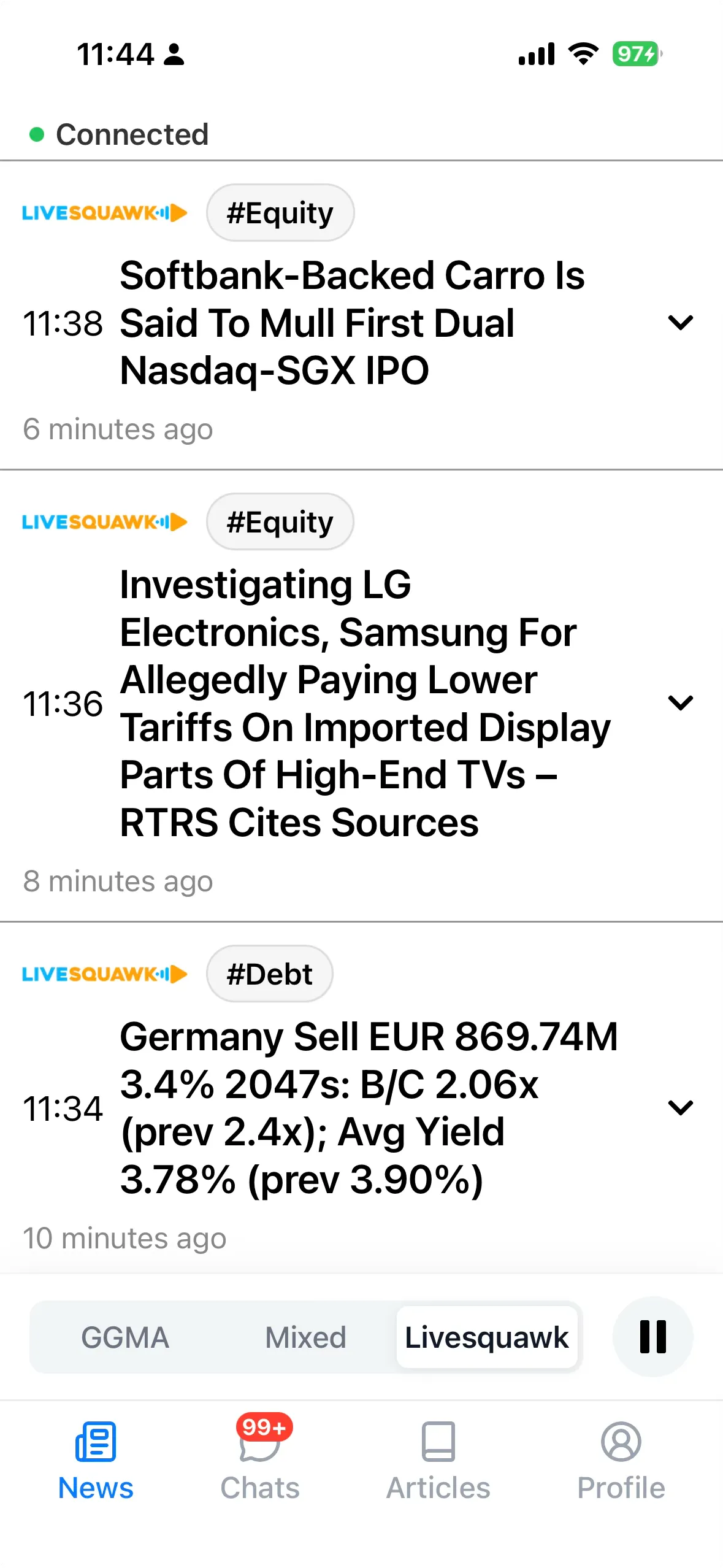
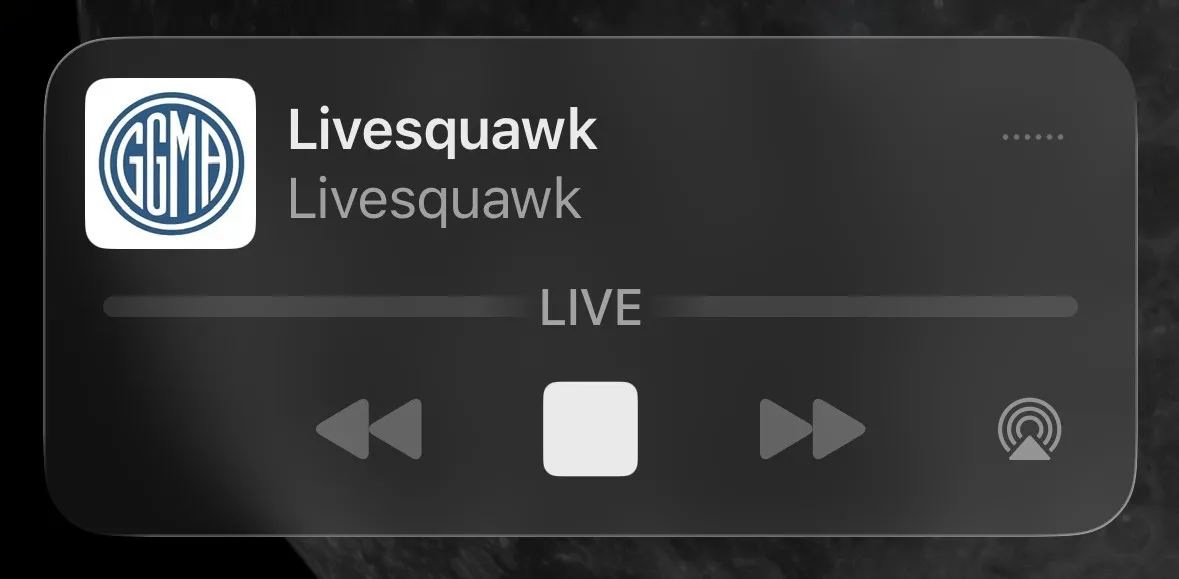
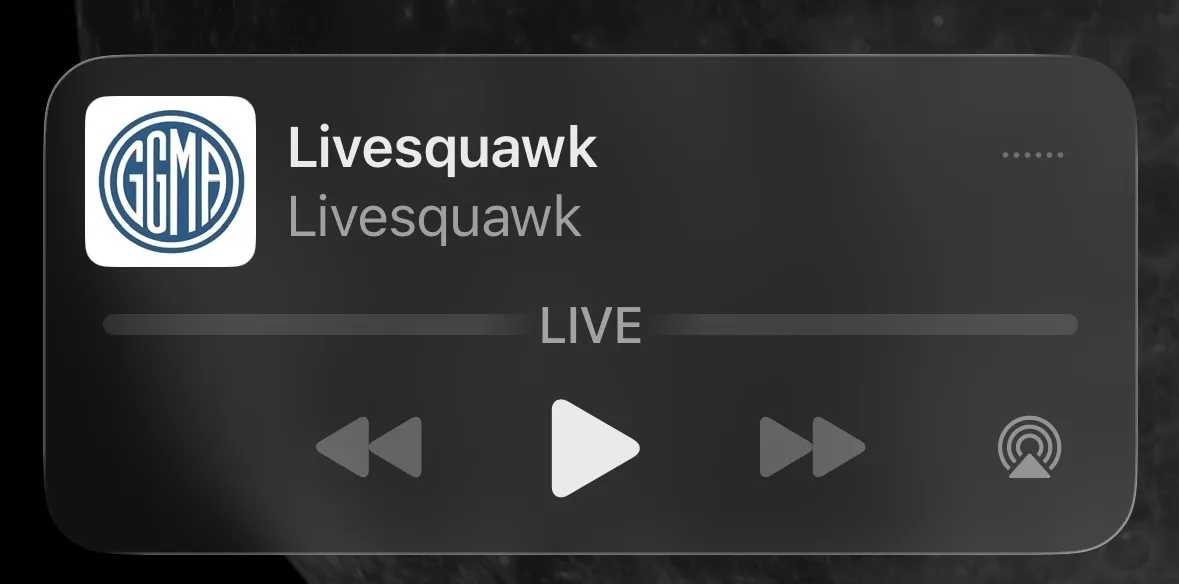
The squawk keeps playing while your phone is locked, so you can follow the audio without keeping the app open.
Using GGMA on Android
Android is covered by the web app. For app-like access, open ggma-app.com in Chrome, tap the ⋮ menu and choose Add to Home screen.
Setting Up Your Profile
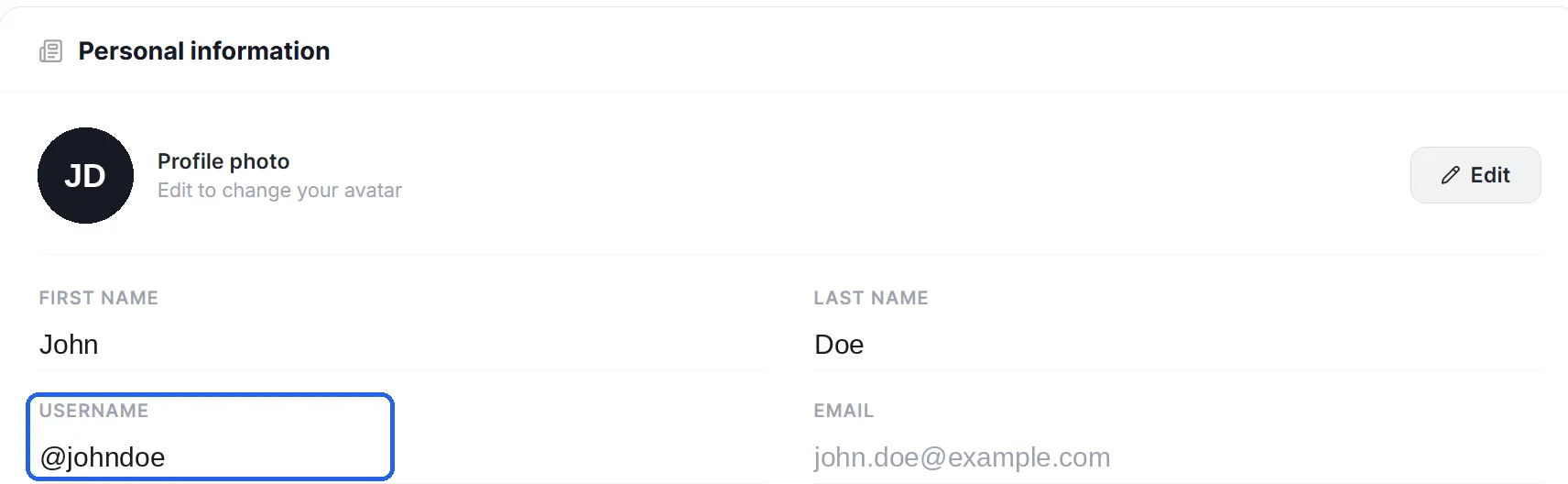
Personalise your experience in the Profile section, including the news categories you follow. If you prefer not to show your email address in chats, set a username there.
Forgotten Password
On the login screen, tap Forgot password? and follow the link sent to your email address. If you do not receive it within a few minutes, check your spam folder or contact support.
Troubleshooting
- Squawk paused: If the player — including the lock-screen player — shows a play button, the squawk is not live. Tap play to restart the stream.
- Audio interrupted: Phone calls, music and videos interrupt the stream. Restart it manually afterwards.
FAQ
What is a squawk? A live audio broadcast that reads out market-moving headlines the moment they break, so you can follow the news without watching a screen.
Is there a free trial? Yes — every new account starts with a two-week free trial with full access, no credit card required.
What does GGMA cost after the trial? Current pricing is shown in the app when you subscribe. Subscriptions are per person; corporate licences with volume discounts are available — contact [email protected].
Can I cancel at any time? Yes — on the web or in the App Store.
Where does the news come from? From the GGMA desk and its partner LiveSquawk — see How We Source News above.
Can I filter what I hear and see? Yes — set your categories under News preferences in your Profile.
Is this investment advice? No. GGMA provides market news and information only.
Contact and Support
| Method | Details |
|---|---|
| [email protected] | |
| In-App Chat | Send a message in your direct support chat in the app |
| Website | ggma-app.com |
About GGMA
GGMA is built by Grimm’s Global Macro Aggregator GmbH, a market intelligence firm based in Kilchberg, Zürich, founded on three decades of buy- and sell-side markets experience.